The single biggest way to overpay for a mobile plan is to guess your data needs and round up. Before you compare plans, spend two minutes checking what you actually use — your phone has tracked it for you, for free. Here is exactly where to look on iPhone and Android.
On iPhone
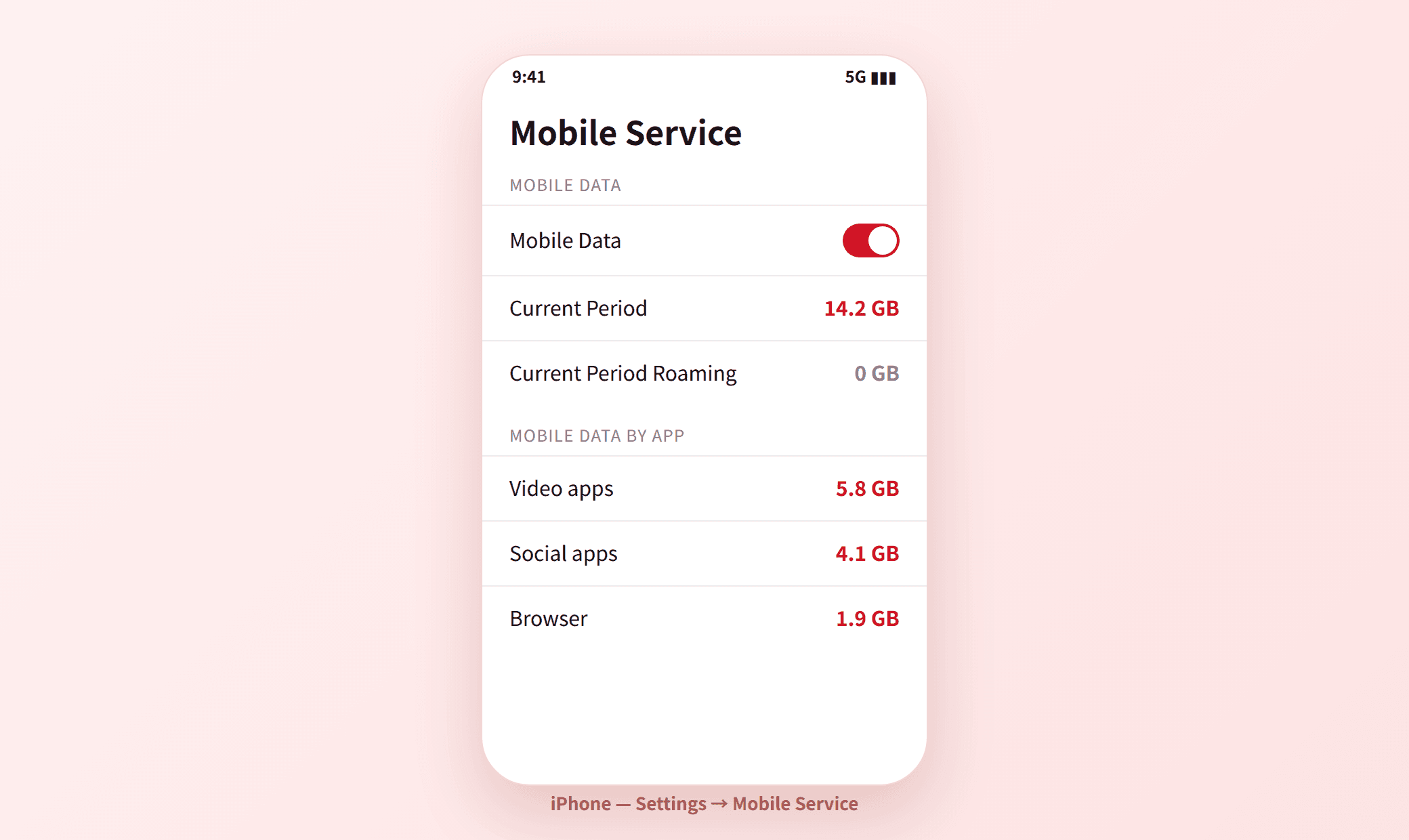
- Open Settings and tap Mobile Service (called Mobile Data or Cellular in some regions).
- Scroll to Current Period to see total data used, and Current Period Roaming for data used abroad.
- Scroll further to see usage broken down by app, so you can spot what eats your data.
- Note: iPhone’s “Current Period” does not auto-reset to your billing cycle. Reset it once (Reset Statistics at the bottom) on your bill date so future months are accurate.
On Android
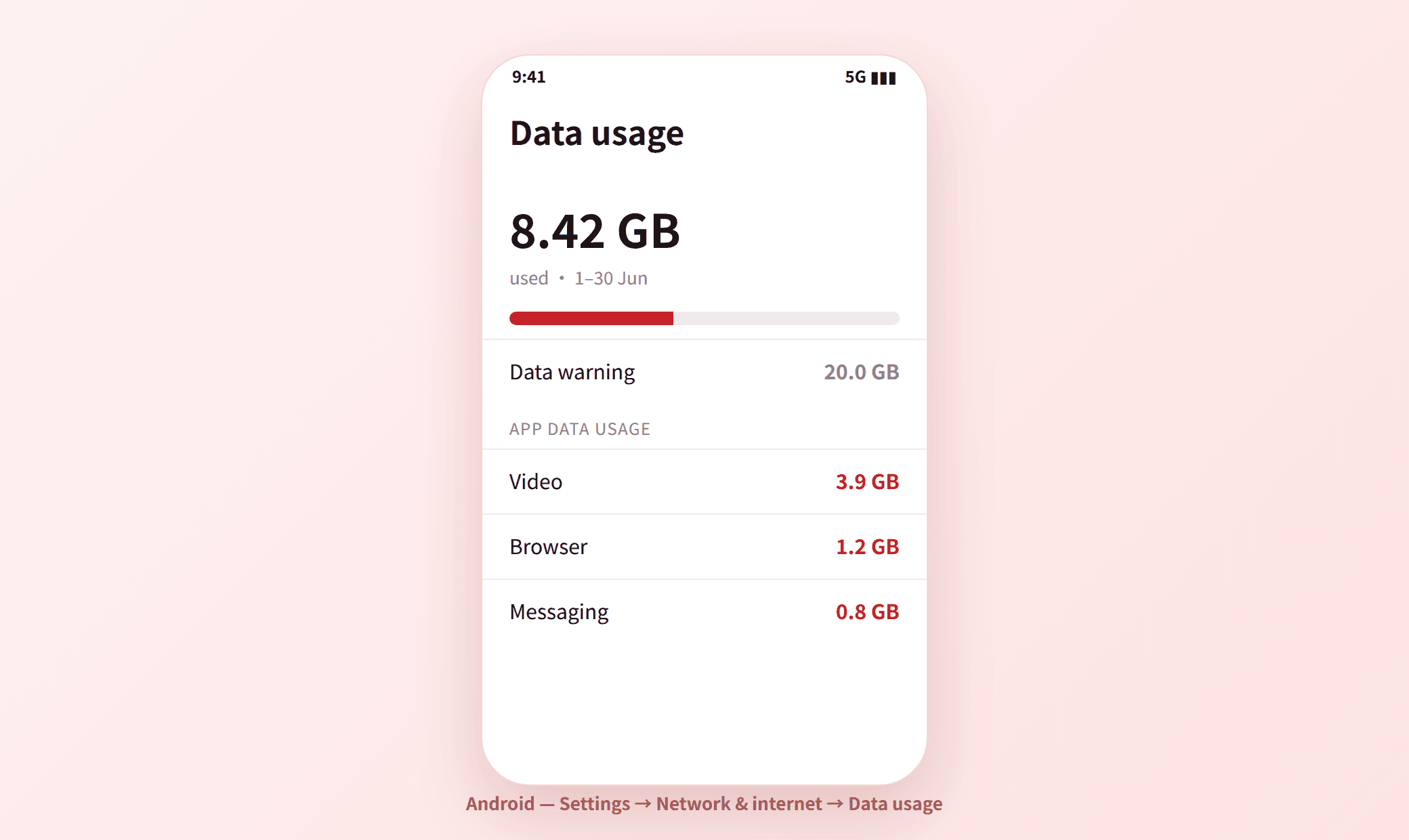
- Open Settings → Network & internet (or Connections on Samsung).
- Tap SIMs / Mobile network → App data usage, or Data usage.
- You will see total mobile data for the current cycle and a per-app list.
- Set your billing cycle start date and an optional data warning so it tracks each month automatically.
Turn usage into the right plan size
Look at your last two or three months, take the highest month, and add roughly 20% headroom for a heavier month. That number is the data allowance to shop for. If you are always on Wi-Fi at home and work, you will likely need far less than you expect — many Hong Kong users comfortably live on 10–30GB.
| Your busiest month | Look for a plan with |
|---|---|
| Under 10 GB | A small 10–20GB plan or prepaid |
| 10–30 GB | A 30–50GB value SIM-only plan |
| Over 50 GB, or you tether a lot | A 100GB+ or unlimited plan (check the fair-use cap) |
Frequently asked questions
How many GB of mobile data do I need in Hong Kong?
It depends on how much you stream away from Wi-Fi. As a rough guide: light users (messaging, maps, browsing) need 5–15GB, average users 20–50GB, and heavy video or tethering users may want 100GB+ or unlimited. Check your last few months first — most people need less than they think.
Why does my iPhone data usage look so high?
iPhone’s “Current Period” keeps counting until you manually reset it, so it can show months or years of data. Reset Statistics on your billing date to read one month at a time, and check the per-app list to find heavy apps.
Does checking data usage cost anything?
No. Both iPhone and Android track usage locally for free, and your operator’s app also shows usage against your allowance at no charge.